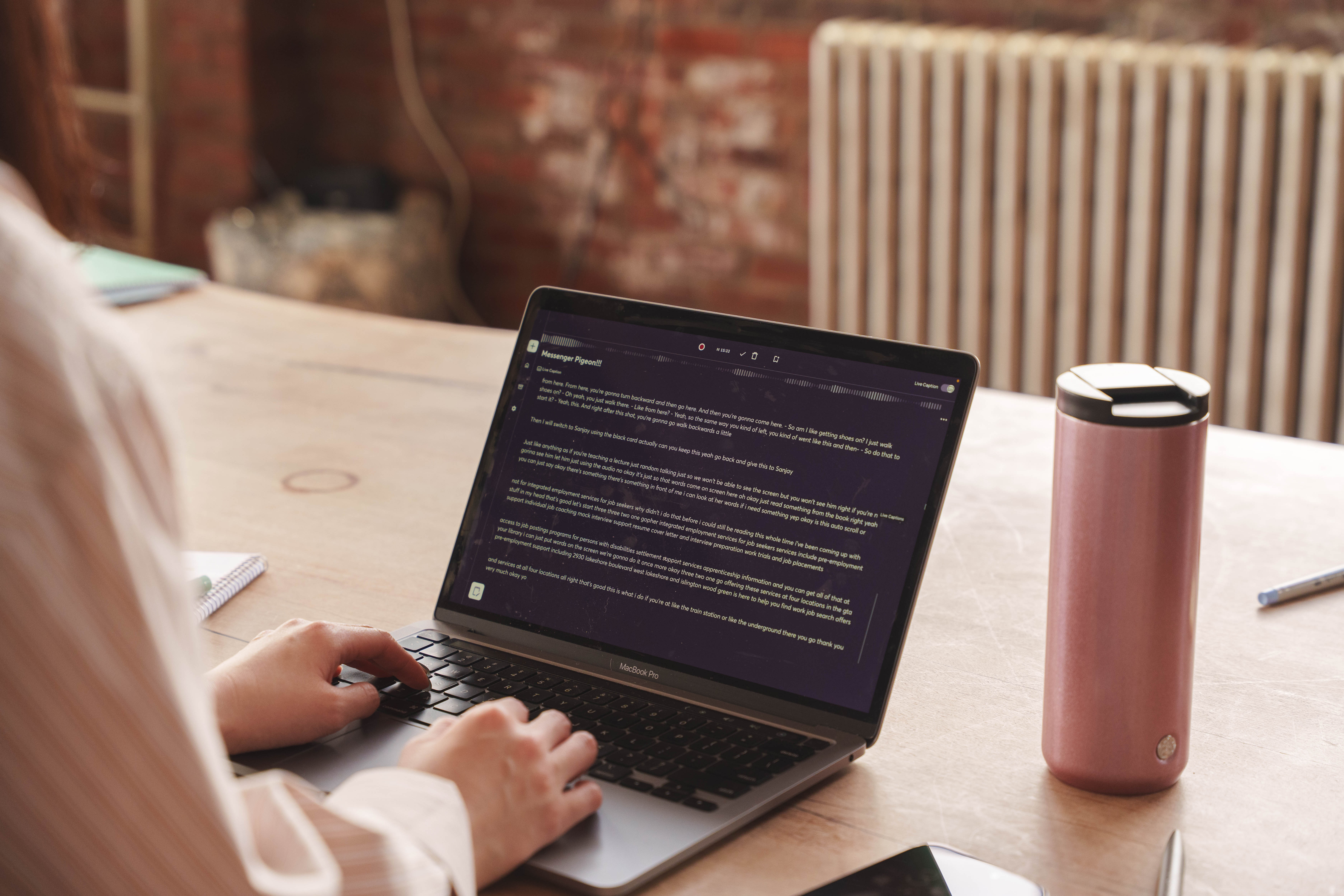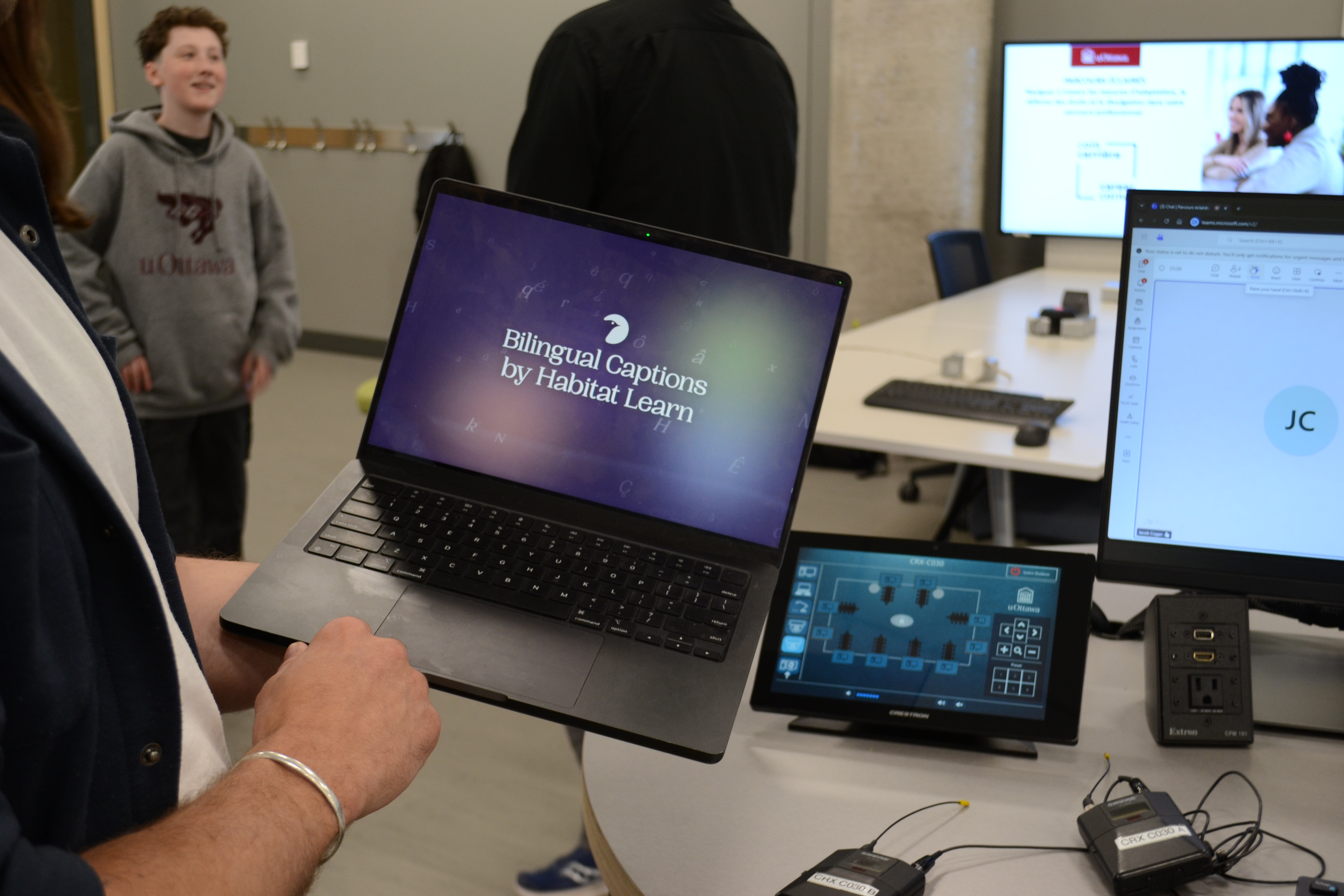
The event
Earlier this spring, the University of Ottawa hosted an accessibility event — a day of discussions, presentations, and panels aimed at helping students with disabilities and those who access accommodations prepare for the transition into the world of work. Bilingual, busy, and attended by students, staff, and guests who navigate accessibility in their daily lives.
Nicolas Coutu, a Career and Employment Specialist at uOttawa's Career Corner, reached out to us ahead of the event with a challenge: could we build a live bilingual transcript experience for the day? Something that would let attendees follow the sessions in whichever language they were most comfortable in: French or English.
These are the kind of invitations we love! uOttawa's accessibility team isn't doing checkbox compliance, they're actively piloting new approaches with students, testing tools in real conditions, and staying open to things that don't exist yet. This was a co-design partnership aimed at solving a real problem.
The task
The goal sounds straightforward: provide a live transcript that attendees can follow in their preferred language, updating in real time as the event unfolds. However, in a bilingual room like this one, it’s not that simple.
Ottawa is genuinely bilingual in a way that most cities aren't. At this conference, French and English moved between each other mid-sentence, sometimes mid-thought, the way they do when speakers are fully comfortable in both languages. There's no announcement when someone switches; it just happens, and standard transcription tools aren’t equipped to handle it.
Typically, when you start speaking, the system listens for a few seconds and will then decide what language you're in. It locks that in and processes everything that follows through that language model, whether or not you switch. When the model gets it wrong, it doesn't skip a word. It runs the whole chunk through the wrong language and produces confident, fluent, incorrect output.
Sometimes the errors are obvious, and sometimes they're subtle in ways that matter more. Take the word sensible. In English, it means reasonable, level-headed. In French, it means sensitive or emotionally aware. At an accessibility conference, someone saying il faut être sensible — you need to be sensitive to this — can get pulled through English transcription and arrive as its near-opposite. The model didn't make something up. It applied the wrong frame, and the error is quiet enough that most readers won't catch it.
For a general meeting, this is an inconvenience. For someone following a conversation in their second language, and depending on the transcript to stay in the room, it's a real failure.
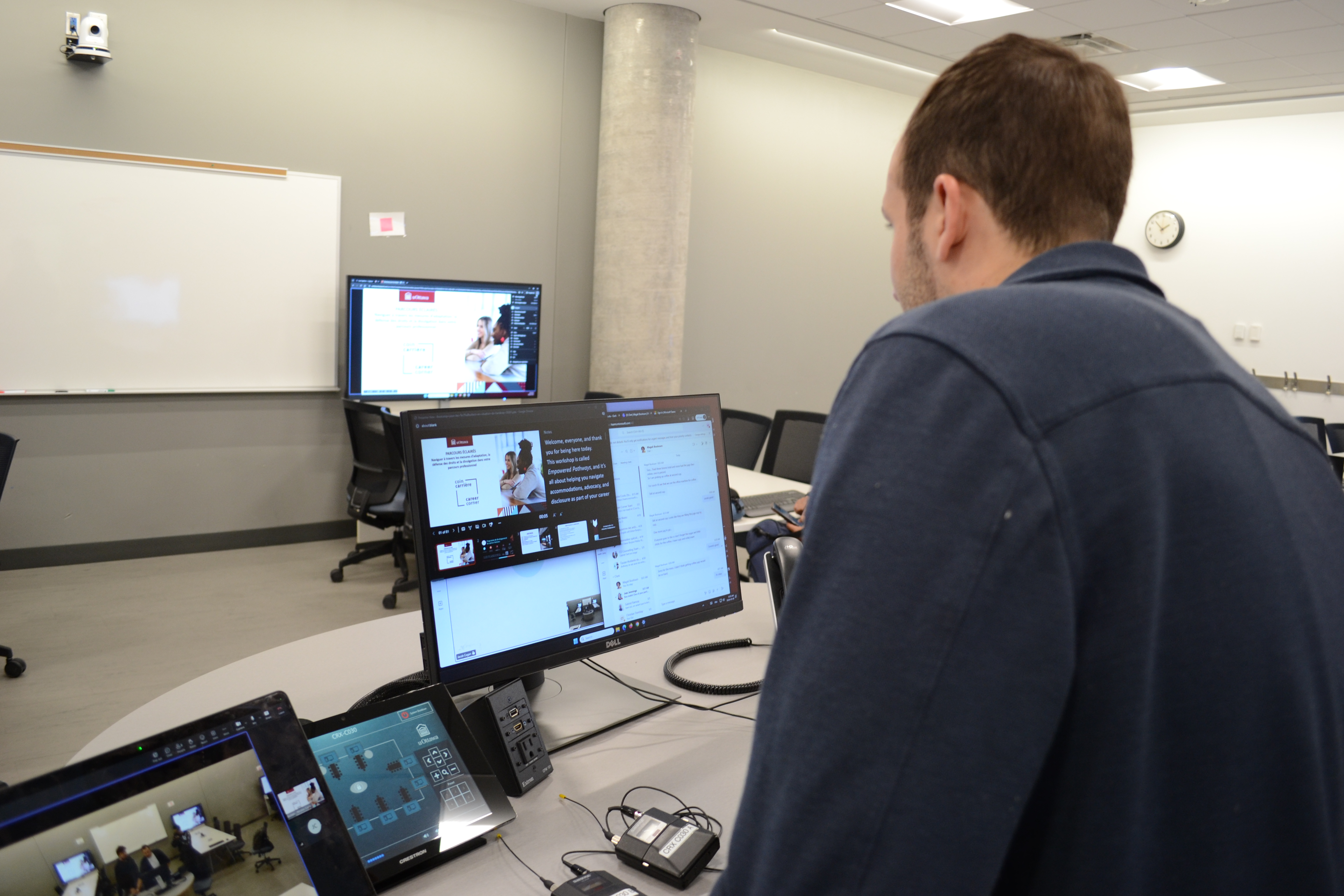
What we built
We designed a pipeline to handle it: audio in, automatic pause detection for chunking, language identification per chunk, transcription only after the language is confirmed, translation, and clean reassembly into a live transcript, served over the web, in whichever language the viewer had chosen.
The architectural decision that made it work: detect language from the audio before you transcribe, not after. Most tools do it the other way around, inferring language from the text output. On a two-second fragment, mid-sentence, in a room where French and English share many of the same sounds, that inference often fails. Identifying language first gives the transcription model the right frame from the start.
We'd planned for a multi-microphone setup, one feed per speaker, clean separation. What we arrived at was a single microphone being passed around the room. Different constraint. We rebuilt around it.
It wasn't entirely smooth. The server started timing out about an hour in — it wasn't designed for continuous traffic over several hours. Real-time multilingual processing is more token-intensive than we'd modelled, and we ran through API credits faster than expected. We patched what we could and kept it running.
About 100 people used the transcript that day, some in the room, some joining remotely.
What we saw
Accessibility features get built and go unused all the time. They become the checkbox nobody checks.
What we saw at uOttawa was different. People were reading. Not glancing at subtitles the way you glance at a muted TV — actually following a conversation in the language they'd chosen. Staying with it.
That's what accessibility is supposed to feel like. Not a feature. Something that quietly makes the room bigger.
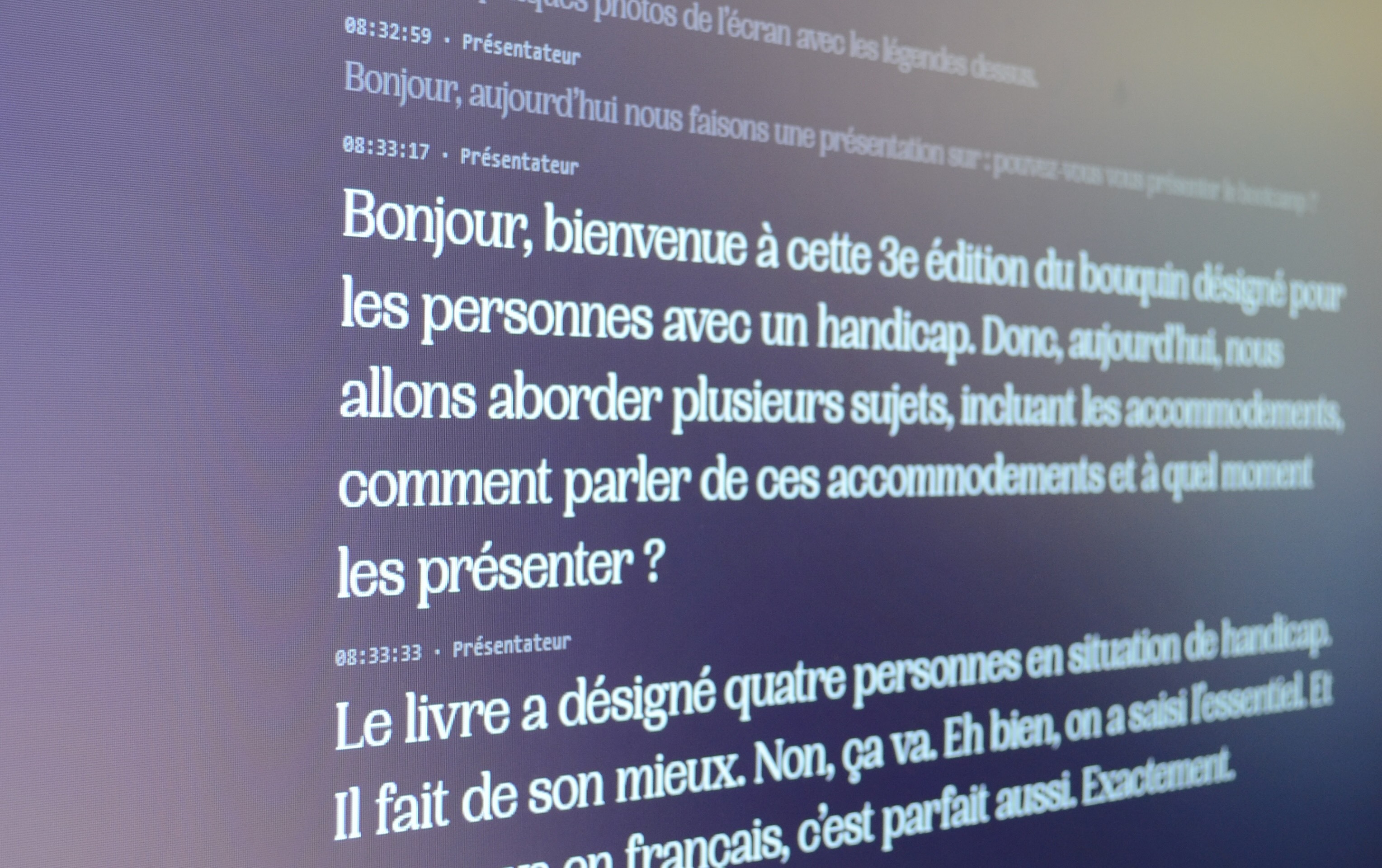
What it surfaced
Running this live sharpened our understanding of where the actual challenges are.
The brain handles language-switching without effort. Two words in another language, mid-sentence, and you know immediately, without needing more context. But AI is still working on that. On a two-second audio window with no surrounding sentence structure, in imperfect acoustic conditions, the model is making a considered guess, sometimes a good one. The gap between how naturally the brain does this and how hard it remains to replicate is one of the more specific, humbling things to look at closely in this work.
After the event, we went further: running the full pipeline locally on a Mac Mini to understand what's possible without any cloud infrastructure at all. Cloud-based approaches still have a quality edge on the short, ambiguous chunks near language boundaries. The gap is real, but it's narrowing, and working through the edge cases gave us a much clearer picture of what the next version needs to be.
For institutions, on-device processing matters beyond performance. When the pipeline runs locally, no audio leaves the room. For universities handling sensitive student data in live sessions, that's increasingly the expectation.
The bilingual transcription problem isn't solved. But we know more precisely what solving it requires, and the University of Ottawa gave us the right conditions to find out.