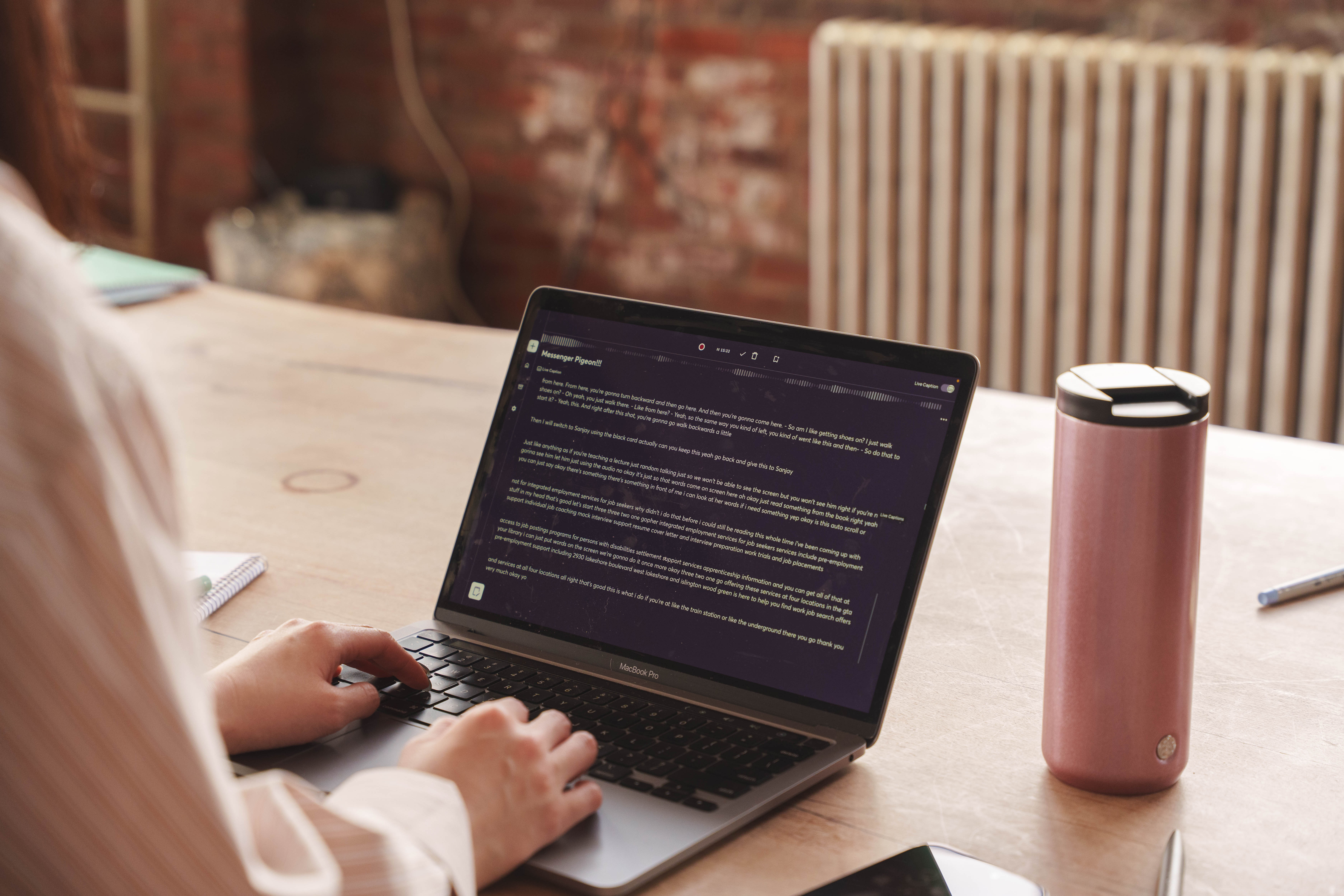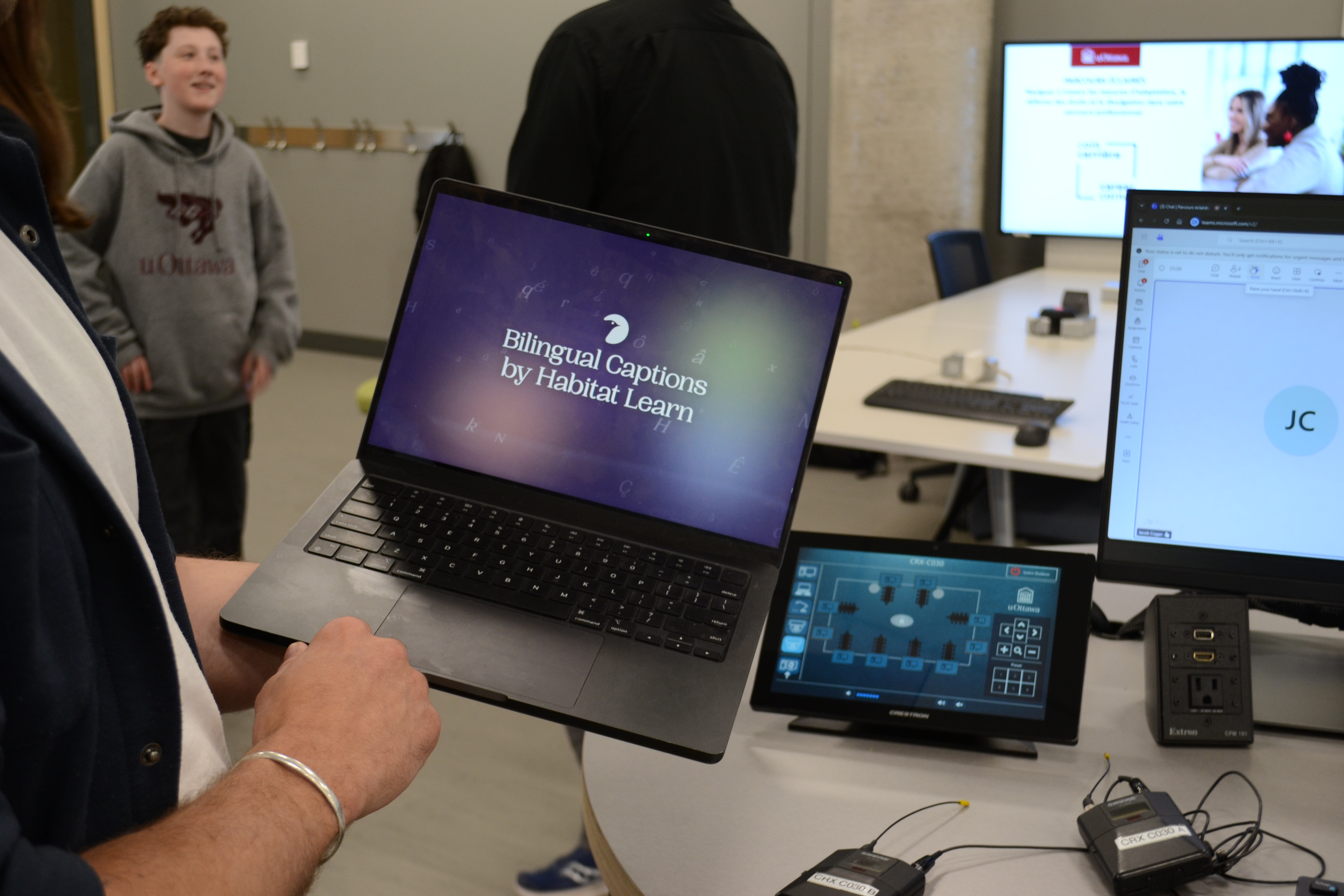
What makes a good study session? Maybe discovering something new, or finally getting clarity. No one said the small frictions: the recording they couldn't find later, the folder they forgot to file something in, the moment they wanted to hear a passage read back but had to hunt for the button. None of it is dramatic on its own. Together, it's the difference between studying and managing your studying.
These are the thoughts we sat with while building Messenger Pigeon V2. We spent time looking at how people actually use the app — where it flows and where there was friction. What came back wasn't a huge ask: make the thing I already rely on feel effortless. So V2 is a refinement, not a reinvention.
Here's everything that's changed, and why it matters for the people using it.
Study smarter with your own material
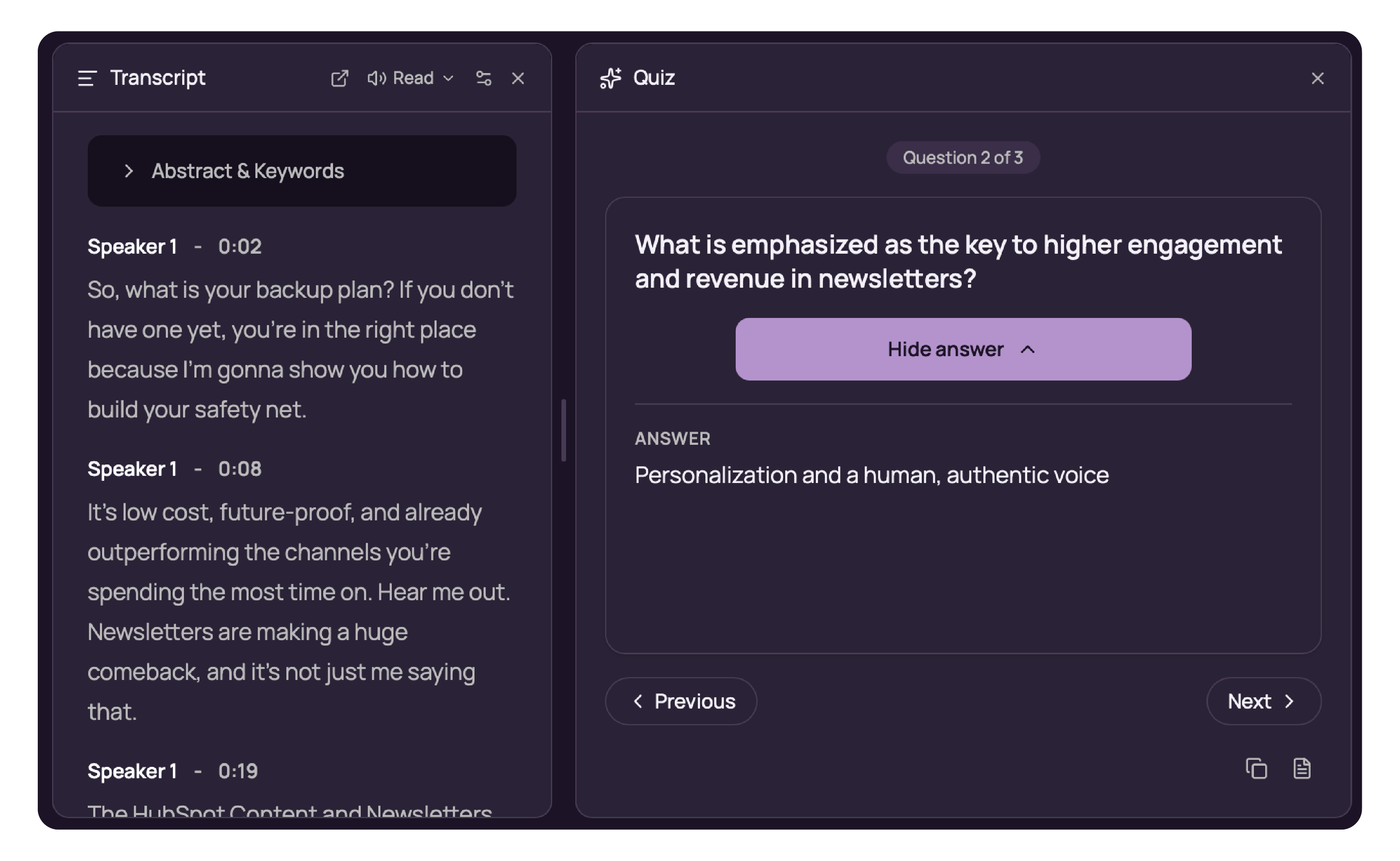
The biggest additions turn a recorded session into something you can actively learn from. Quiz yourself on a session converts any supported session into interactive flashcards; test yourself, reveal answers, move at your own pace, and drop cards straight into your Personal Notes. It's recall practice built from your real lectures, not a generic question bank.
Writing gets the same care. The redesigned writing tools host a set of AI-powered actions in the text selection toolbar: proofread, rewrite, simplify, define a word, or adjust tone and length without ever leaving your notes. And for anyone studying a technical subject, Personal Notes now render beautifully formatted mathematical equations. You can insert them with the new Σ button or type them directly, so formulas finally look the way they should.
Capture content and stay organized
Small organizational wins compound over time. You can now record directly into folders, so a session lands where it belongs the moment you start, no filing afterwards. During a lecture or presentation, follow your slides while recording: upload a PowerPoint, PDF, or Word document and view it alongside your recording instead of switching apps.
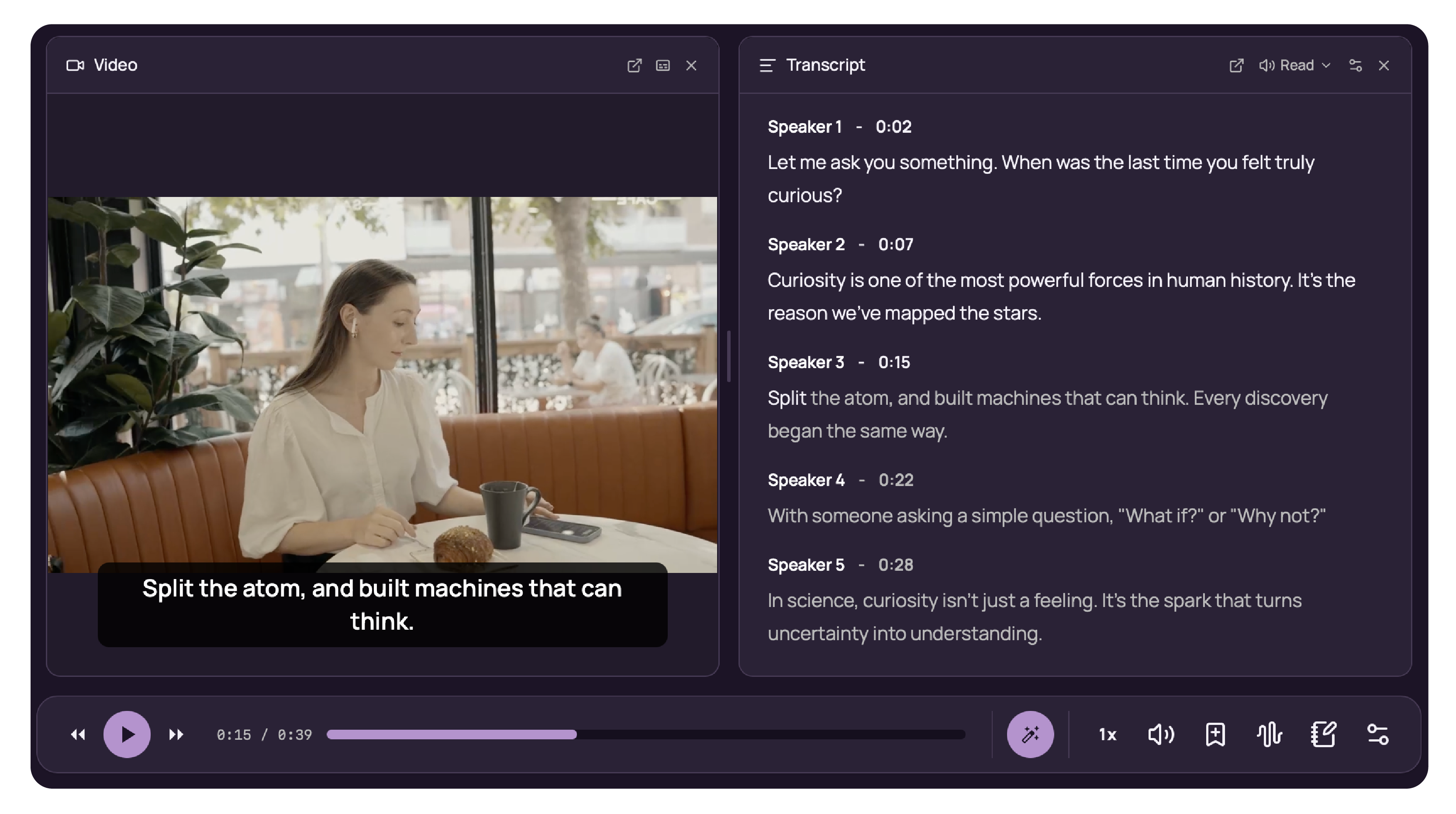
Video sessions now carry captions directly over the player, with adjustable size and position. And recordings are now capped at three hours with a five-minute warning before the limit, so long sessions save cleanly rather than running away from you.
Listen, revisit, and make notes accessible
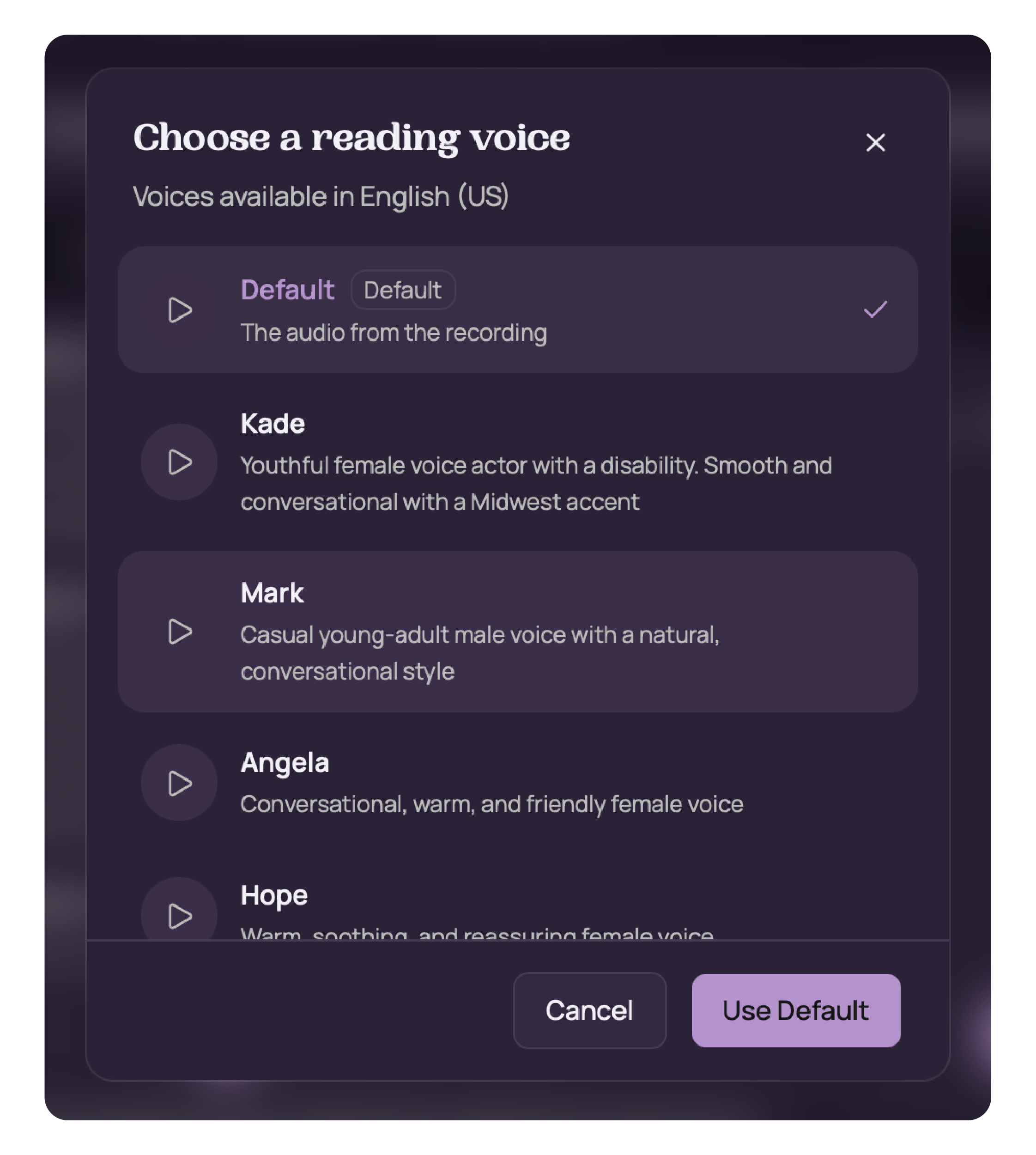
Revisiting content should suit how you learn. Pro users can now choose a natural reading voice for their sessions; the voice stays in sync with transcript highlighting and can read selected text and Personal Notes aloud.
You can add image descriptions to pictures in your Personal Notes, including when you export to PDF or Word, so your notes stay accessible to you and anyone you share them with.
A more flexible desktop workspace
Everyone uses study sessions differently, so the panels now reflect this. Select the panels you prefer to work from, whether you prefer to focus on your transcript or want to listen and look at your slides simultaneously, and save your layout for later. Study your way, every time you open the app.
Everything else in V2
The headline features are only part of the story. A long list of refinements makes the day-to-day feel calmer.
Improvements
- Refreshed session viewer with a cleaner layout, redesigned player controls, better panel management and easier session renaming
- Updated dashboard and sidebar with a simplified Create menu, refreshed folder cards and clearer session icons
- Floating toolbars can now be repositioned using keyboard shortcuts
- Fully keyboard-accessible text selection toolbar
- Recent searches can be navigated entirely with the keyboard
- Improved layouts for smaller screens and high zoom levels
- Stronger screen reader support, clearer focus indicators and more descriptive controls throughout
- Less intrusive tooltips that appear after a short delay
- Smarter panel resizing with sensible minimum sizes
Why the small things matter
Universal Design for Learning teaches that when you remove friction for the people who feel it most, you make the experience better for everyone. That's the thread running through V2 — greater accessibility, improved and automated organization, and clean, calm layouts.
Messenger Pigeon V2 is available now on desktop